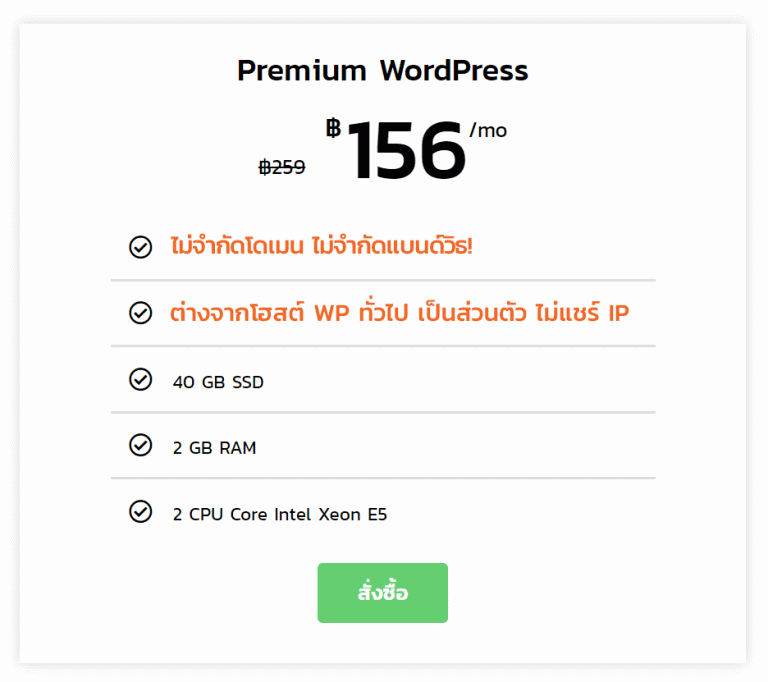

VPS WordPress คือ Control panel ในการจัดการเว็ปไซต์รูปแบบหนึ่งที่ง่ายต่อการใช้งาน โดยเราสามารถติดตั้งเง็ปไซต์ WordPress ผ่าน Control Panel นี้ในไม่กี่คลิก
หลังจากทำการสั่งซื้อและชำระเงินเรียบร้อยแล้ว ลูกค้าจะได้รับเมลการสั่งซื้อและข้อมูลการเข้าสู่ Control Panel แบบในรูป
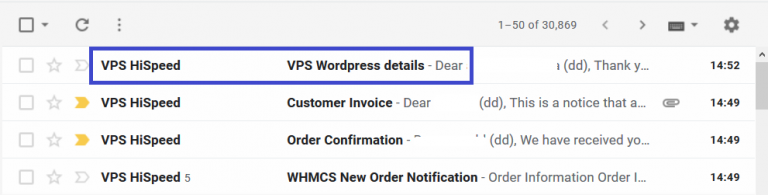
ข้อมูล WordPress Panel จะอยู่ในเมล VPS WordPress details.
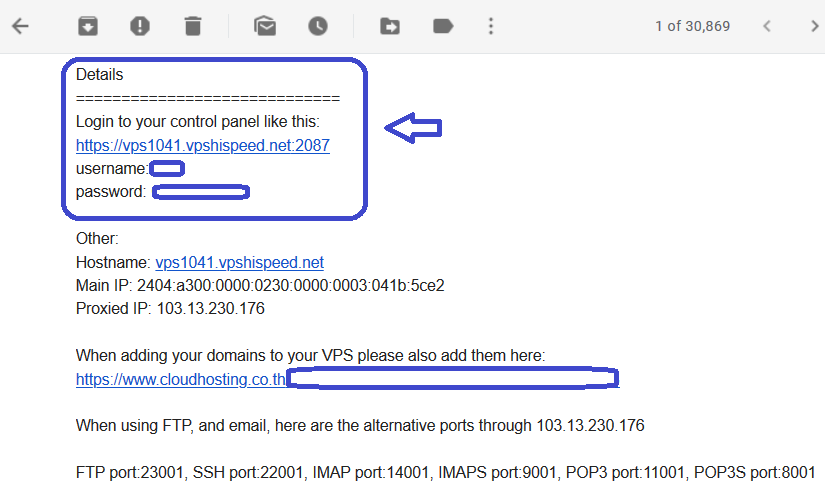
หลังจากได้รับเมลดังกล่าวแล้ว ระบบจะติดตั้งและตั้งค่า VPS WordPress ให้เองอัตโนมัต จะใช้เวลาตรงนี้ประมาณ 45-60 นาทที โดยสามารถเชกได้จากการเข้า url เพื่อ login panel ถ้าขึ้นให้เข้าระบบแล้ว แสดงว่าทุกอย่างพร้อมใช้งานแล้ว
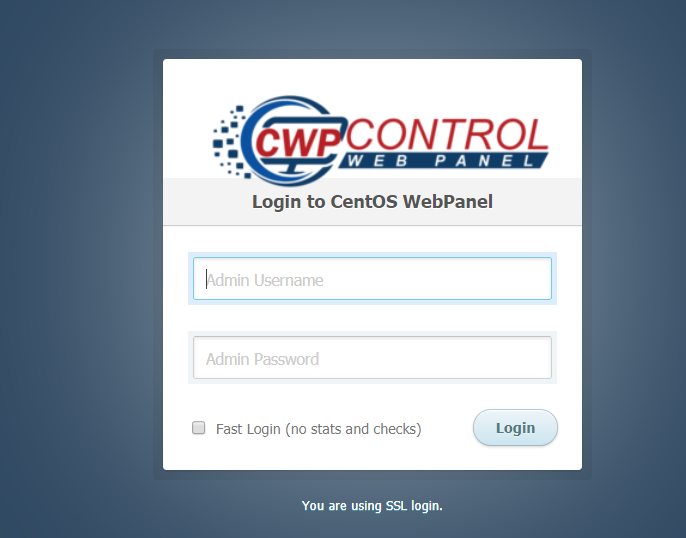
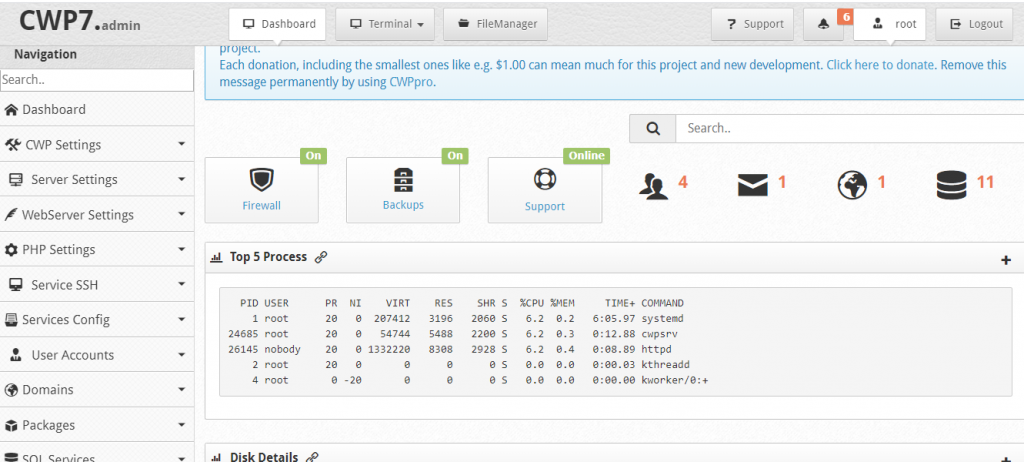
หน้าจอหลังเข้า Panel แล้ว
วิดีโอแนะนำการใช้งาน WordPress Hosting